Ultimate Mining Tycoon Co-op and Multiplayer Guide
Mine together in The Mine, build alone on your plot — etiquette, strategy, and persistence rules.
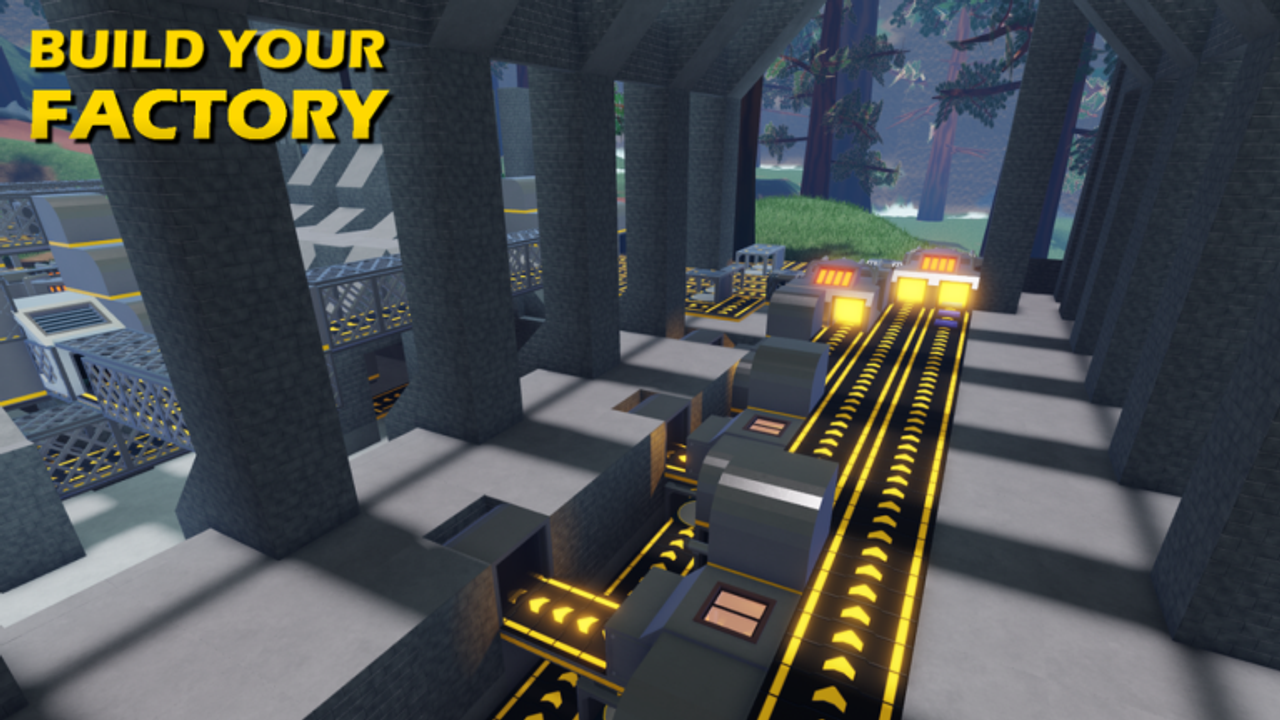
Ultimate Mining Tycoon is an online co-op Roblox tycoon by Innovation Inc. (madattak and Rolijok, place ID 18680867089, v0.5.13). Up to eight players share The Mine and hub shops, but each owns a private 30×30 plot with its own factory, vehicles, and cash. Understanding what is shared versus personal prevents frustration — especially when a friend cannot unload at your Ore Unloader or your haul vanishes after a disconnect.
Start with Getting Started if you are new. For shop locations and recovery buildings, see Locations and Shops.
What is shared vs private
| Shared (server-wide) | Private (per player) |
|---|---|
| The Mine tunnels and collapse timer | Plot factory and Build Shop machines |
| Mine regeneration every 100 minutes | Cash balance and pickaxe inventory |
| Hub roads and shop NPCs | Vehicle spawner and active vehicle |
| Collapse Robux extension (+30 min / 225 Robux) | Prestige progress and Medals |
| Chat and horn signals | Ore Unloader on your plot only |
There are no promo codes and no cross-plot trading UI — “co-op” means coordinated mining and social blasting, not shared factories.
Plot ownership rules
When you join a server, you claim one of eight plots. That plot is yours until you leave.
Critical ownership facts:
- Only you can place, move, or delete machines on your plot.
- Only you can dump ore at your Ore Unloader — friends cannot feed your factory to help process their haul.
- Only one vehicle per player at a time from your spawner.
- Neighbors can see your factory but cannot interact with it.
- Building into visual overlap with another plot is poor form; keep belts inside your 30×30 boundary.
If a friend says “unload at my base,” that is impossible by design. They can mine ore you both benefit from in shared tunnels, but each player hauls to their own unloader.
Shared mine etiquette
The Mine belongs to everyone. Good co-op behavior keeps lobbies friendly:
Tunnel and ramp access
- Leave vehicle-width ramps when blasting — seal a Super Crawler route and the whole server suffers.
- Do not trap players in blast chambers with fresh C4.
- Warn before Nuke placements (Robux tier with server-wide chat announcement).
- Park vehicles off the main descent path — a parked Exa-Drill blocking a choke point causes horn wars.
Ore and depth courtesy
- The mine is not “first pickaxe wins forever” — rotate depth zones if six players farm the same Titanium wall.
- Avoid blasting high-value ore clusters your party is actively mining.
- Pick up ores you mine; leaving surface Tin piles is harmless, but blocking gem veins annoys jewelcrafting players.
Full blasting rules: Explosives and Obsidian. Depth tables: Mine Layers and Ores.
Co-op mining strategies
Coordinated groups clear depth faster than solo players, but only if roles are split.
Role split that works
| Role | Player A | Player B | Player C |
|---|---|---|---|
| Blast | C4 ramps to target depth | Support seal / Obsidian | Buy dynamite restocks |
| Haul | Super Crawler full loads | Second hauler at other depth | Factory runner stays on plot |
| Process | Own factory — cannot cross-feed | Own factory | Own factory |
Factory runner stays on plot to verify belts clear while haulers mine — idle machines during group runs waste the advantage.
Friend servers vs public lobbies
Friend-only servers (Roblox privacy settings) let you:
- Sync collapse timer planning without random blast grief.
- Voice chat depth targets without horn Morse code.
- Share Scripts automation knowledge safely — still against Roblox ToS if exploitative; this wiki documents gameplay, not cheats.
Public lobbies suit solo-minded players who want live economy energy. Expect random collapse extensions and unannounced nukes — carry patience and Controls horn binds.
Depth stacking
Assign layers: Player 1 farms Bedrock Titanium, Player 2 pushes Crystal Depths gems, Player 3 preps Underworld with explosives. Shared tunnels still merge visually, but split targets reduce competition on one ore color.
Vehicle coordination: Vehicle Logistics.
Ore Recovery after disconnect
Multiplayer disconnects happen — Wi-Fi drops, Roblox updates, mobile battery. Ultimate Mining Tycoon saves most inventory, but factory edge cases route items to recovery buildings.
After reconnecting:
- Check Automatic Ore Recovery (8 bays on the secondary hub road).
- Visit the Ore Recovery Centre (manual reclaim, 2,000 ore storage cap).
- Inspect your vehicle and backpack — ores in vehicles generally persist.
- If unloader contents glitched on load, see v0.5.5–v0.5.12 factory save notes on Updates Hub.
Recovery is per-player. A friend’s disconnect does not put their ore in your recovery bay.
Location details: Locations and Shops.
What persists vs what prestige wipes
Co-op players often ask what survives a group member prestiging while they continue.
| Persists across sessions | Resets on prestige (individual) |
|---|---|
| Medals and Rolijok upgrades | Cash |
| Prestige machines (Ore Upgrader, etc.) | Standard factory machines |
| XXL Robux backpack (64 slots) | Cash-tier backpacks |
| Vehicle Power upgrade levels | Pickaxes and cash explosives |
| Friend’s plot — unaffected by your reset | Your vehicles from spawner |
Your prestige does not reset friends’ plots or Medals. Their mine tunnels also stay until the 100-minute collapse.
Prestige math: Prestige and Medals.
Communication tips
Roblox text chat is slow for mining coordination. Practical signals:
- Horn — “I am hauling up” or “clear the ramp” (Controls).
- Depth callouts — “800m Titanium wall east” beats silent competition.
- Collapse timer — announce at 15 and 5 minutes so nobody loses a half-full Super Crawler underground.
- Discord — Innovation Inc. Official Links for patch coordination outside the game.
Avoid spamming global chat with trade requests — there is no trade system.
When solo beats group play
Co-op is not always optimal:
| Situation | Solo advantage |
|---|---|
| Factory tuning / belt debugging | Zero blast interference |
| Prestige cash banking toward $80M | No competition for shared ore walls |
| Learning Factory Layout | Quiet plot to delete mistakes |
| Vehicle unloader stress tests | Controlled dump timing |
| Situation | Group advantage |
|---|---|
| Opening Underworld ramps | Combined C4 clears Obsidian faster |
| First time reaching new depth | Someone else’s ramp saves dynamite |
| Social progression | Motivation during mid-game grind |
Many endgame players alternate: solo factory nights, group blast weekends.
Multiplayer and scripts
Some lobbies run automation scripts from third-party sites. Innovation Inc. designs around active mining — scripts may violate Roblox Terms of Use and risk bans. This wiki’s Scripts page summarizes community tools for awareness, not endorsement. Co-op etiquette still applies: scripts that lag the server harm everyone.
Related pages
- Vehicle Logistics — one vehicle per player, unloader pairing
- Getting Started — solo tutorial before joining public servers
- Locations and Shops — recovery buildings and plot layout
- Controls — horn, handbrake, and vehicle exit binds
- Scripts — community automation overview (use at your own risk)
Co-op Ultimate Mining Tycoon means shared holes and private paychecks — blast together, sell on your own plot, and reclaim your ore when Wi-Fi betray you.
Frequently Asked Questions
Quick answers to the most common questions.
Can friends use my Ore Unloader?
No. Each plot's unloader accepts only that plot owner's ore. Friends mine shared tunnels but haul to their own factories.
Does my prestige reset other players?
No. Prestige is individual — it resets your cash and standard machines only. Friends keep their plots and progress.
Where do I get ore back after disconnecting?
Check Automatic Ore Recovery (8 bays) and the Ore Recovery Centre (2,000 ore limit) near spawn after reconnecting.
How many players share The Mine?
Up to eight players per server share The Mine and its 100-minute collapse timer, but each has a private 30×30 plot.
Is co-op required to progress?
No. The entire game is solo-viable. Groups speed tunnel clearing and depth access but cannot share factory output.
What backpack survives prestige in multiplayer?
Only the 399 Robux XXL backpack (64 slots) persists. Cash backpacks reset on prestige like in solo play.